How do I set front, back or wrap-around labelling on a variable label for every pack?
The choice depends on label count, target areas, product orientation and whether the pack can be rotated under control. For a variable label for every pack, use print-and-apply linked to the correct data source and pack identity as the baseline, then define the orientation and spacing needed for every label.
What should I check first?
Record the machine state and the finished result before changing settings. This helps identify where control is first being lost.
- Confirm the label area on the variable label for every pack: a pack whose label data changes by order, item or destination.
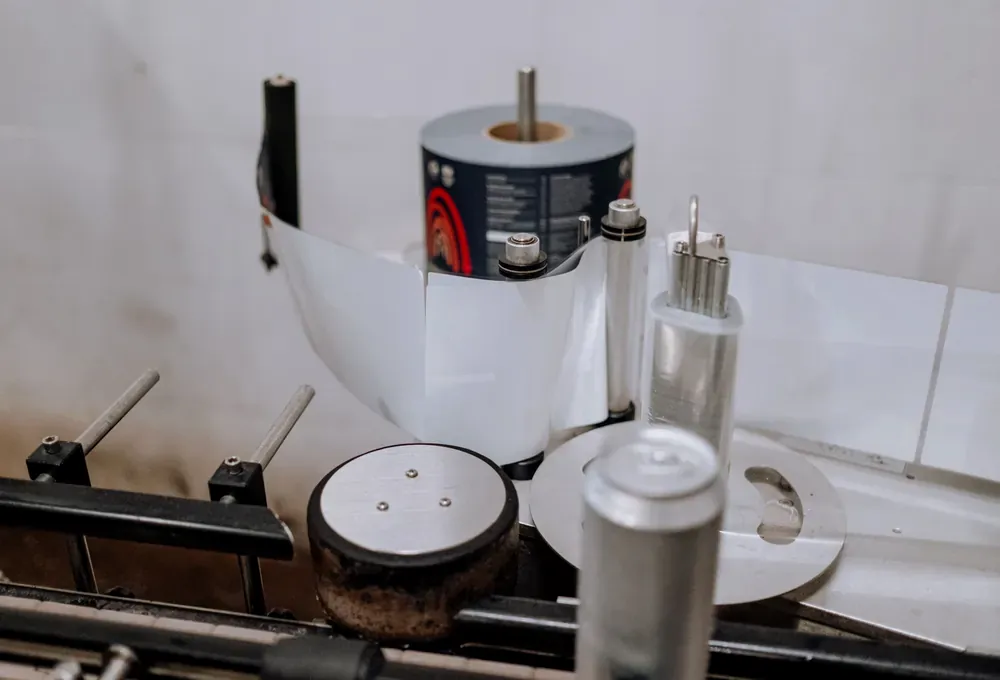
- Inspect the web path and print-and-apply linked to the correct data source and pack identity.
- Mark a fixed position reference and record the direction of error.
- Verify label width, length, core, roll direction, gap, backing and maximum roll diameter.
- Run the smallest, largest and least stable container at normal production speed.
- Clean and align product and label sensors, then record their status during the fault.
Why is this production problem happening?
Work from the evidence and change one variable at a time. These are the most relevant causes to investigate first.
- The product is not controlled consistently at the application point.
- Web tension, tracking or gap detection changes during the roll.
- Surface or adhesive conditions are outside the approved range.
- The container is not held to a repeatable datum.
- Label and adhesive are unsuitable for the surface, curvature or temperature.
- Web tension or tracking changes as the roll diameter falls.
How can I correct or improve it?
Make a controlled change, repeat the same measurement and compare the result before moving to the next adjustment.
- Stabilise product spacing and orientation.
- Set the peel, wipe and speed relationship with production labels.
- Run a sustained test and record position results.
- Improve product spacing, orientation and side or top control.
- Prove label materials on production containers and environmental conditions.
- Set the applicator mechanically before fine timing adjustments.
What should I send Lancing?
The most reliable recommendation is based on representative production materials and a measurable acceptance result.
- Representative variable label for every pack samples
- Complete label rolls and drawings
- Position tolerance and visual acceptance criteria
- Required output and roll-change pattern
- Video of the current application
- Container drawings, photos and material
- Label specification, roll dimensions and roll direction
Which applications does this answer cover?
More quick answers about this problem
What should I check first for variable label for every pack?+
Confirm the label area on the variable label for every pack: a pack whose label data changes by order, item or destination.
Why does this problem happen with variable label for every pack?+
The product is not controlled consistently at the application point.
How can I improve or correct the problem with variable label for every pack?+
Stabilise product spacing and orientation.
Which part of the production line does this question relate to?+
This question relates primarily to labelling & print-and-apply. It may also be affected by upstream product or pack supply and by downstream handling, so check the full production sequence rather than one machine in isolation.
What should I send when asking for a machinery recommendation?+
Send Representative variable label for every pack samples; Complete label rolls and drawings; Position tolerance and visual acceptance criteria; Required output and roll-change pattern. Representative production samples and a measurable acceptance target are normally more useful than a catalogue description alone.
Explore the relevant Lancing machinery options
Review suitable equipment and application guidance, then request a recommendation based on your product, pack and required accepted output.
printandapply.co.uk